The SaaS Productization Checklist for Per-User Persistent Agent Instances
A step-by-step guide to isolating, sleeping, and billing per-user agents.

Per-user persistent AI agent deployment at scale means provisioning a computer per customer. A deployment checklist puts the decisions in order, from isolation and lifecycle to memory, billing, and operational controls. The core rule is simple. Decide how each user’s environment will stay private, last through idle time, and stop spending before charging anyone to use it.
Why per-user persistent agent instances are a different infrastructure problem than adding an AI feature
Traditional SaaS infrastructure handles stateless requests. A user action triggers a call, the call returns, and the compute can be recycled because durable state lives in a database. An AI feature can fit that pattern. A persistent agent instance cannot fit that pattern when its working state holds open files, browser sessions, unfinished tool calls, and context built up over time.
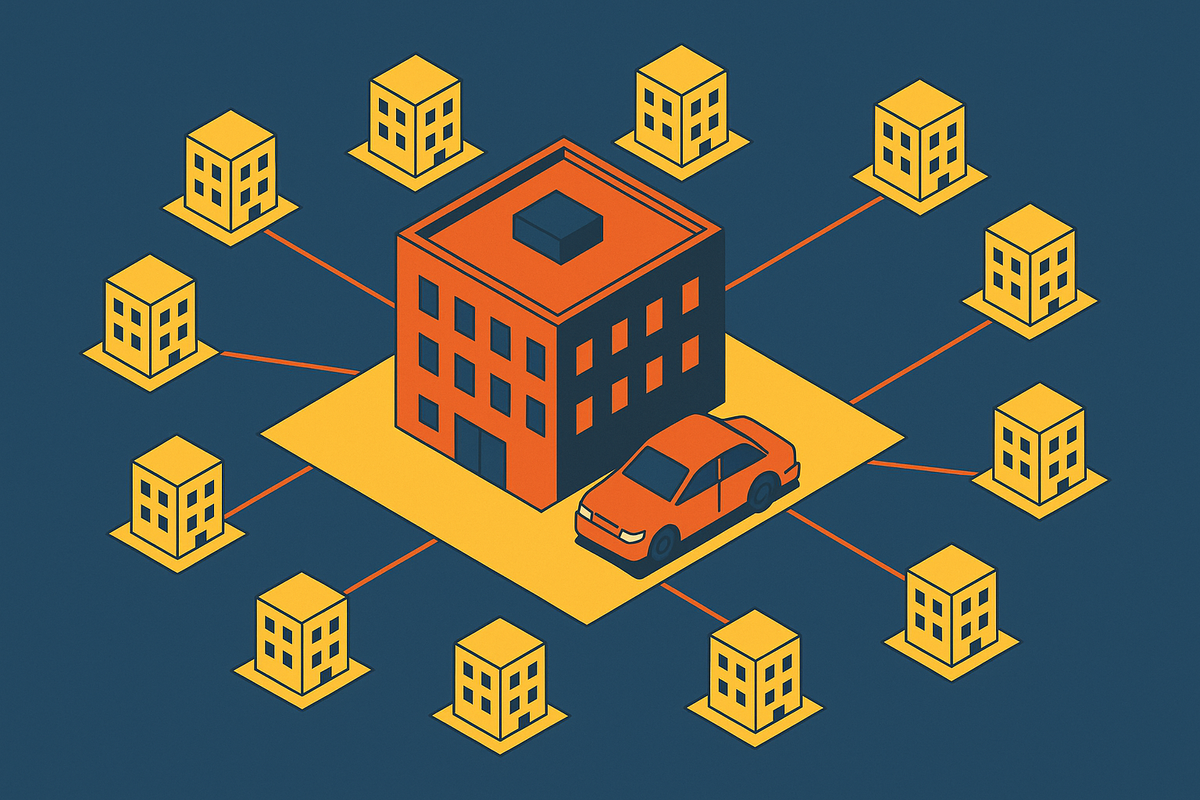
That changes the unit of provisioning to a computer per user, with its own filesystem, runtime, browser, and network identity. The environment must last across turns and through idle time. Killing it between turns loses the working state and means it must be rebuilt, while leaving it running wastes compute. The product needs a way to keep the user’s computer without keeping it running.
Choosing the right isolation primitive before writing any product code
The isolation primitive determines security, startup latency, snapshot support, and much of the cost per user. Choose it before lifecycle or product code. A shared process is cheapest but offers the least separation, so it fits only fully trusted code authored by the platform. Containers offer fast cold starts and moderate isolation for controlled environments, but they are not the default for arbitrary agent-generated code.
Firecracker microVMs are the preferred boundary for that workload because they provide hardware-level isolation and separate guest execution from the host. A hidden prompt injection can instruct an agent to read SSH keys and exfiltrate them if its environment exposes the host filesystem. Full microVM isolation is needed for arbitrary execution, but lower-risk read-only actions can use lighter isolation.
Snapshots also make this choice an economic decision. Firecracker saves guest memory, CPU registers, and emulated device state so an instance can suspend and later resume. For builders serving regulated industries, microVM-level isolation should be included in the baseline offering. It does not replace the audit and access controls those workloads also need.
Lifecycle management: provisioning, sleeping, resuming, and destroying agent instances
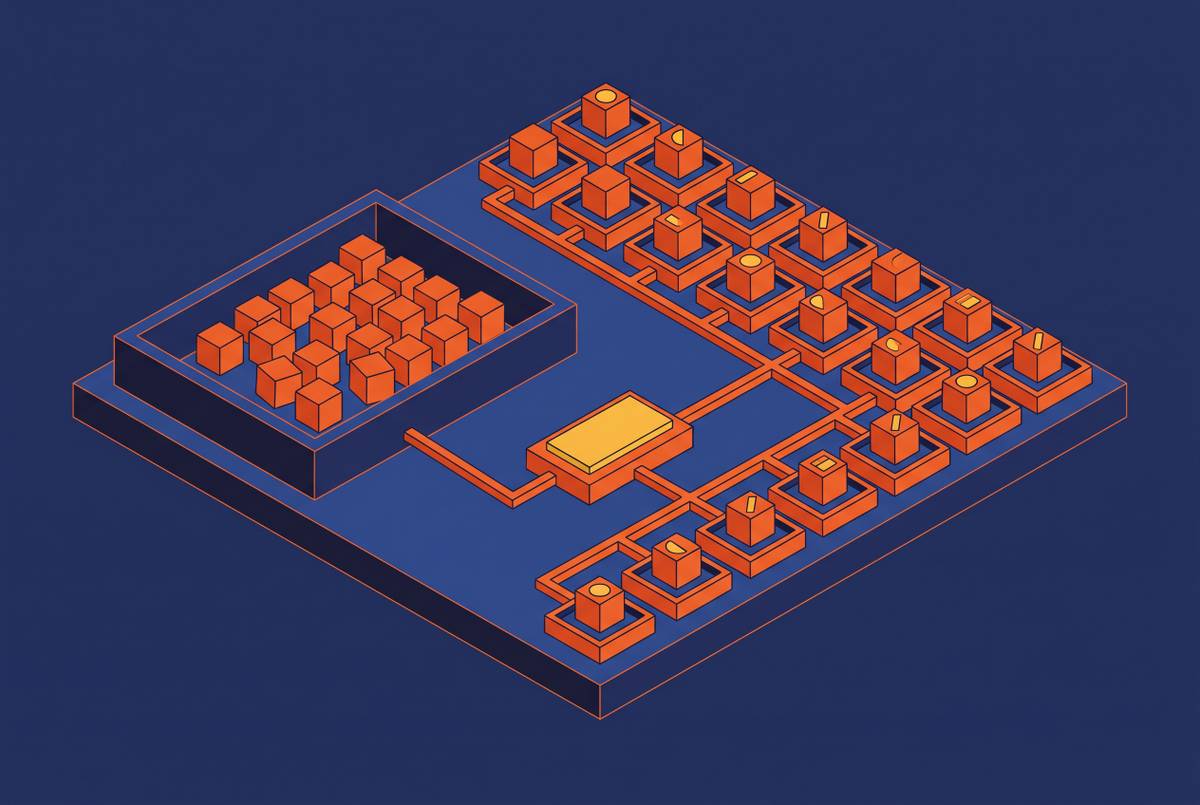
A lifecycle needs explicit transitions from template to provisioned instance, active execution, sleep, resume, and destruction. Do not leave those transitions implicit in a scheduler. Provisioning from a warm snapshot avoids repeated cold boots, while sleeping preserves the environment without charging for active compute. Storage still costs money during sleep.
AWS Lambda MicroVMs, announced June 22, 2026, illustrate this pattern with a Firecracker microVM per user or agent session that resumes with memory and disk intact. Throwaway sandboxes for untrusted code need a separate destruction policy that deletes their disks when the task ends. Retaining the user’s workspace and discarding risky task environments are different jobs.
Restoring state also needs a safety check. ACRFence, the 2026 paper on semantic rollback attacks, warns that state divergence during checkpoint restoration can deceive agents. Validate restored state before execution resumes. The lifecycle must also support a paused instance with a live viewer, so a human can take over without destroying the session.
Deciding what the agent's computer looks like: OS, pre-installed software, and signed-in state
Linux is the default for coding agents, eval pipelines, and browser automation because of its low overhead and broad tool compatibility. Windows is required for Windows-only desktop applications and legacy business software. Build the image around the actual task. A freshly booted operating system is not the same as a workspace ready for work.
Citrix makes that distinction especially sharp. An agent operating an EHR or legacy application over Citrix sees a screen image rather than accessible controls, so selector-based automation loses its usual hooks. Computer-use agents can read the image, but screenshot-plus-model-call steps add latency and cost. Microsoft Copilot Studio documents password-field support on websites and most Windows applications, while warning that Electron, Java, Unity, command-line interfaces, Citrix, and other virtualized environments might not be supported. Treat that uncertainty as a production blocker to resolve, especially for Java thick-clients.
Asteroid AI gives each agent a desktop booted from a snapshot already signed in and on the right screen. That removes repeated setup work. However, a reusable image must not become a shared credential package. Inject credentials at runtime from a secrets manager rather than baking them into snapshots cloned across users.
Multi-tenancy and isolation between users at the product layer
A microVM separates execution, but shared product services can reopen the boundary. Shared volumes, caches, and secrets stores can expose one tenant’s data to another. Each instance therefore needs its own network identity and egress path, and credential injection must be scoped to the user and session. A shared credential file is not tenant isolation. Audit records also need tenant scope from the start, rather than a mixed stream that must later be untangled.
Spending needs a boundary of its own. Two agents calling each other repeatedly can keep consuming resources while dashboards faithfully display the damage. Enforce rate and spending limits at the infrastructure level so they stop a call before it leaves, rather than relying only on application code or alerts. This protects the tenant’s budget as well as the product’s economics.
Recovery belongs in this tenant design too. The proposed HIPAA Security Rule update would require written steps for bringing certain relevant electronic information systems and data back within 72 hours after a loss. That is a proposed recovery requirement whose scope extends beyond restoring EHR access after a cyberattack.
Memory architecture and context management per user instance
Passing the full conversation on every call is simple, but older history keeps adding token cost until the context window becomes a constraint. Long sessions make that cost compound. Design memory before a few power users turn it into a billing emergency.
Summarization compresses older turns at the price of precise detail. External retrieval lets the agent fetch the history it needs from a vector store or structured memory, so less context is sent again, but it needs more infrastructure. The task decides the trade-off. A coding agent may need exact file paths and function signatures, while a support agent may need only the user’s most recent interactions.
The instance’s filesystem is also memory. Files from an earlier session can still be used without a separate retrieval system, so decide which state to keep in the filesystem before building both stores. Per-user token budgets should complement that architecture with soft limits and automatic model downgrades for overages.
Billing model design for per-user agent products
Per-seat pricing is the wrong starting assumption because users do not consume roughly equal resources. One customer may leave an instance asleep while another runs complex tasks over and over. Their costs are not interchangeable. The sleep model makes the distinction visible because dormant instances consume storage while compute is inactive.
Pure consumption pricing can charge for active seconds, model calls, or actions, but customers may find it hard to know what their bills will be. A platform fee plus consumption is another way to charge, with separate charges for the standing service and the work that varies with use. Outcome-based pricing charges for a ticket that has been resolved or a workflow that has been completed. That ties payment to results, but the builder must be able to tell when the result has been reached and bear the costs of delivering it, which can vary.
Whatever the way customers are charged, meter compute seconds separately from model tokens. Otherwise, a single opaque charge hides which resource is eroding the margin. The billing product itself needs hard caps, with limits for each user, instance, and billing period.
Observability, human-in-the-loop controls, and audit trails for agent instances in production
Visibility and control are separate production requirements. A live screen lets a user or support engineer observe the agent without interrupting it. Human takeover lets that person pause execution and operate the desktop when the agent gets stuck or takes an unexpected action. A viewer alone cannot stop a mistake. The handoff must use the paused lifecycle state designed earlier.
Logs need to capture tool calls, file writes, browser navigation, and credential use by session, instance, and tenant. For HIPAA workloads, the record must show who accessed which PHI, when, and what action followed. Asteroid’s livestreamed, recorded runs illustrate treating replay as infrastructure for HIPAA and SOC 2 audit.
Spending and action-rate dashboards should expose activity with configurable alerts. Automated anomaly detection should also flag runs that take longer than usual, tool calls that keep repeating, and token use that is out of the ordinary. Those signals support intervention but do not replace enforcement. Enterprise readiness requires both an account of what happened and a way to interrupt what is happening.
How do you scale persistent agents to thousands of users while managing swarms and cost?
A per-user instance sleeps and resumes, so active concurrency drives compute demand more directly than account count. Eval pipelines, RL rollout workers, and batch automation instead launch throwaway sandboxes in parallel and discard them after the task. They are not long-lived user computers. Their lifecycle and billing assumptions should not be inherited unchanged from the interactive product.
The Holistic Agent Leaderboard, published at ICLR 2026, used tens of thousands of agent rollouts across models and benchmarks. Work at that scale needs its own cost model before the pipeline is built. Lower-cost models can act as scouts for initial rollouts, with expensive models reserved as judges for final evaluation.
Shared starting prompts also make KV-cache hit rate worth tracking because cached input costs less than uncached input. Idle storage needs automation as well. Instances that stay asleep past a set time should be archived or destroyed as the retention policy requires. A small storage charge per instance can accumulate across a large dormant population.
What to validate in a pre-launch infrastructure review before the first paying customer
Run the review against the finished system. Can one tenant’s agent read another tenant’s files, reach its instance, or see its screen? For arbitrary code execution, the answer must rest on the isolation boundary. Lifecycle handlers must cover a task that keeps running, a user who is away, and a network partition in the middle of a task.
Test the starting snapshot against production software versions and credential flows. Clone it and check that credentials cannot be recovered from the disk image. Then restore a snapshot from several sessions earlier and inspect state consistency, stale credentials, old file handles, and filesystem divergence. A successful boot is not enough. The restored workspace must be fit to resume.
Simulate a runaway loop and confirm that the spending limit blocks calls without manual intervention. Run a 24-hour mix of active and idle instances, checking that compute metering follows active time. Pull a test session’s audit record and establish what happened, in what order, on whose behalf, and to which data. Trigger a live takeover too, checking the current screen, clean agent pause, and correct resume state.
For regulated customers, check the access logging, PHI isolation, and recovery controls that apply before their data goes into the system. Keep the proposed 72-hour recovery requirement separate from what the rules already require. Any unanswered review question points back to a decision already introduced in this checklist.